
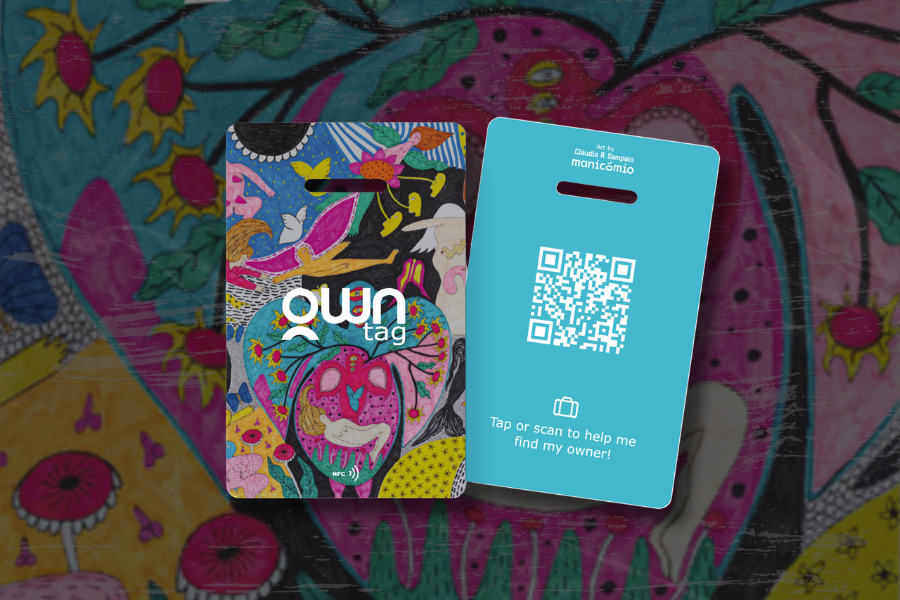
Japan moves with precision: trains close their doors on the dot, platforms flow in ordered lines, and temple visits reward quiet respect. Pack with that rhythm in mind and the whole trip runs smoother. Alongside the usual Japan travel essentials, adapter, eSIM, daypack, add one upgrade that earns its keep from airport to Shinkansen: OWN Tag, a smart luggage tag that turns Japan’s stellar lost-and-found culture into instant, private contact.
Reader offer: Save 15% on OWN Tag with code JAPAN15. Travel smarter with OWN Tag, the sleek digital tag that keeps your luggage connected.
What is OWN Tag?
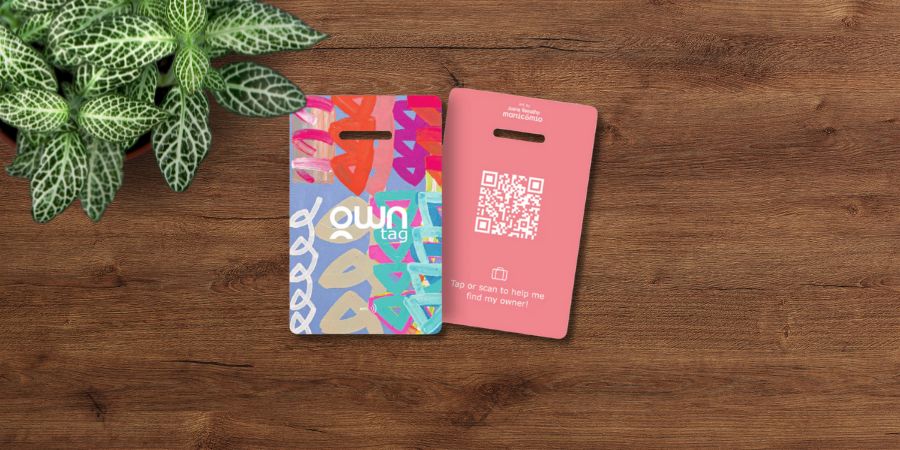
OWN Tag luggage tags with a vibrant design and a QR code used for finding lost items.
OWN Tag is a credit-card sized luggage tag with NFC and a QR code. When a passer-by or station staffer taps or scans your OWN Tag, a secure web page opens, letting them message you (and share location) without exposing your phone number or email.
The tag is durable, water-resistant, and built with sustainability in mind. In short: small, simple, airline-safe, and designed for real travel. Every tag comes with a stainless-steel loop that makes accidental opening difficult, so you don’t lose your OWN Tag. Choose from 21 designs to match your style and mood.
Part of a wider OWN ecosystem alongside OWN Tag, the company offers OWN Card, a next-generation NFC business card that replaces stacks of paper cards with a single, editable digital profile (save to your phone’s wallet, update in real time, share with a tap). The brand also runs programmes for teams (OWN for Companies) and highlights environmental and social impact through OWN Impact, all aligned to reduce waste and cut down on single-use paper.
What you need to know about OWN Tag
OWN Tag handles contact, trackers handle location.
Trackers vs tags: different jobs
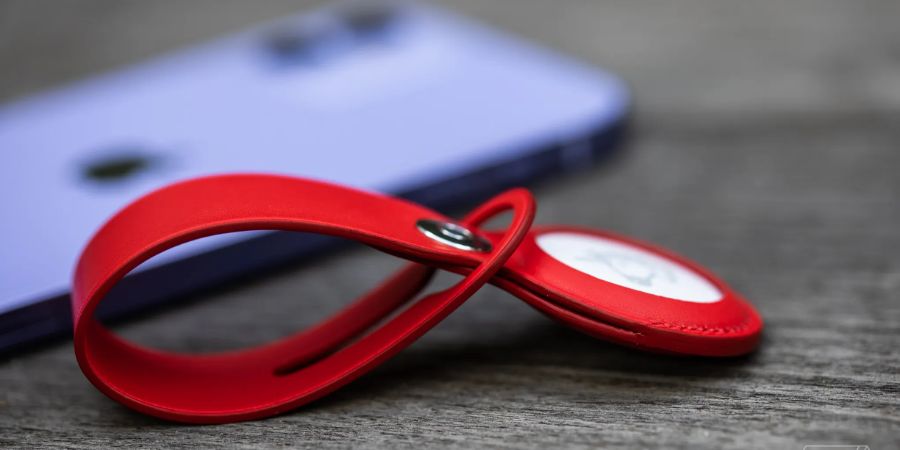
The Apple AirTag, a popular example of a tracker used to locate and recover personal items via a connected smartphone network
Bluetooth trackers are great for background location in big hubs; they ping when another device passes nearby. A smart tag like OWN Tag is different: it enables the person who actually has your bag, such as the hotel employee, station attendant, or a helpful stranger, to contact you immediately, with no pairing or app.
Use them together as a fail-safe: a tracker for proximity; OWN Tag for fast, human-to-human contact.
Built for a Japan trip
The Tokyo, Kyoto and Osaka corridor, often called the Golden Route, really is the backbone of first-time trips from the UK and US.
In 2024, UK visitors reported visit rates of Tokyo 90.8%, Kyoto 51.7%, Osaka 49.4%; US visitors were similarly concentrated with Tokyo 90.6%, Kyoto 43.4%, Osaka 40.3%. These figures (JNTO, based on the Japan Tourism Agency’s International Visitor Survey) explain why stations and trains on this axis feel the busiest for overseas travellers.
On the Tōkaidō and Sanyō Shinkansen, larger cases must follow the oversized-baggage rules (total dimensions 161 to 250 cm require a reserved seat with an oversized space).
Booking and sticking to the correct seat, keeping aisles clear, and tagging your luggage so staff can reach you quickly if it gets separated is fundamental to having a hassle free trip within Japan on the Shinkansen.
Shinkansen tips
- Go compact: one cabin-size spinner + a tidy daypack as your default setup.
- Rack-friendly: that pair fits overhead racks on Shinkansen and commuter lines; hands stay free for ticket gates.
- Board smart: wait at your car number markers; don’t sprint down the aisle with luggage.
- Lift safely: place the case long-edge first into the rack to save space and stop it rolling.
- Peak etiquette: wear the daypack on your front during rush hours to avoid clipping other passengers.
- Overflow plan: if shopping builds up, use the Bounce app to stash a bag at a vetted, insured spot near the station you’ll return to later; check hours, price, and size limits, book in a few taps, collect on the way back.
- Precise notes: add the exact Bounce pick-up point to your OWN Tag profile to make reunions fast and unambiguous.


How it works (two minutes, done)
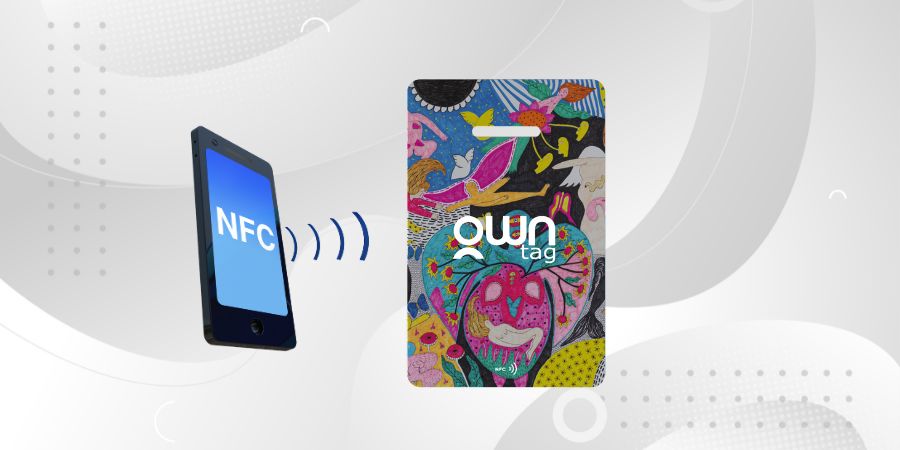
Diagram illustrating the NFC (Near Field Communication) capability of the OWN Tag, allowing data retrieval simply by tapping a compatible smartphone.
OWN Tag works because it’s simple. After activation, set a bag name (cabin bag or backpack for example) and let your tag do the rest.
For families or small groups, name each tag according to each person’s bag to help distinguish them in the same profile, or create a new account for each person, where they can add all the tags they have.
The person that finds the bag is never shown your information, all they have to do is fill out a small survey and share the bag location so you can contact them!
Because OWN Tag doesn’t broadcast location, it avoids battery and roaming issues; the system simply connects a helpful human to you at the right moment.
Quick setup steps
- Activate tag by tapping/scanning the QR code and create your profile.
- Access MY OWN and customise your OWN Tag name.
- Your tag is ready, start travelling!
Getting the Most Out of OWN Tag
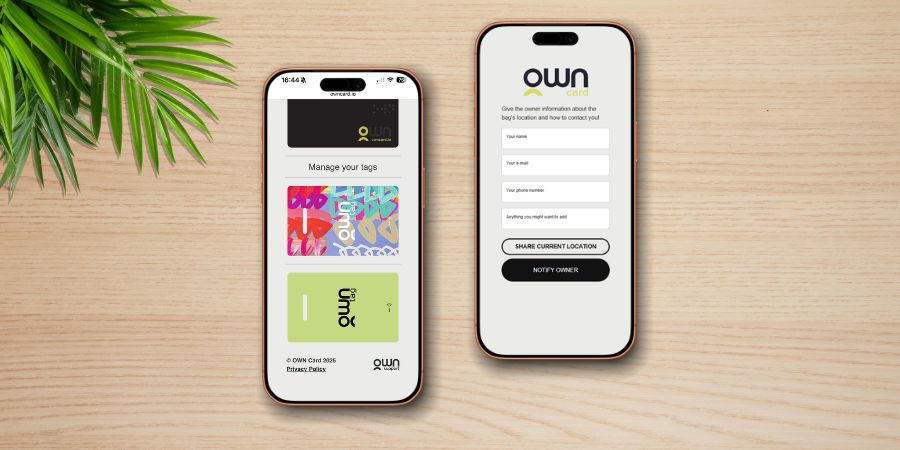
The OWN Tag mobile interface, illustrating the quick setup process for managing digital tags and the simple notification form for item recovery.
Because OWN Tag doesn’t display your personal details, a finder never sees your phone number, email, or hotel information. Instead, they fill out a quick contact form, share the bag’s location, and you choose how to respond. This privacy-first design is what makes OWN Tag useful in places like stations, hotels, and cafés throughout Japan, staff can reach you instantly without needing to read English or navigate unfamiliar details.
If you want to give staff clearer context (such as your current hotel, dates, or Japanese address), pair OWN Tag with OWN Card, which allows you to share additional information securely via your digital profile.
Where OWN Card Helps
OWN Card, available separately, offers a richer profile for travellers who want to share more precise trip information. Unlike OWN Tag, which keeps your details private until a finder contacts you, OWN Card lets you add optional notes such as your hotel name in Japanese, travel dates, or backup contact details.
This is especially handy in Japan, where station attendants and hotel staff can resolve a lost item faster when they immediately recognise the destination city or lodging. OWN Card profiles update in real time, so if you change hotels mid-trip, you simply edit the card once and the new information appears the next time someone taps.
At home in a Japan-ready packing list
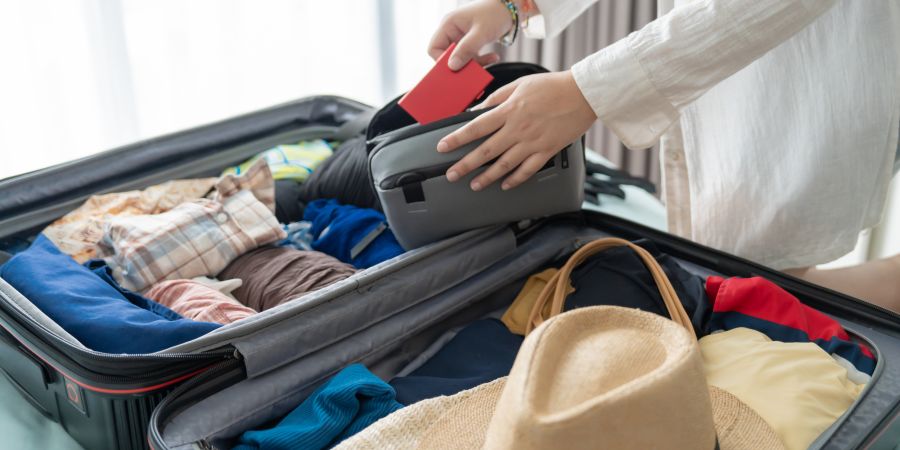
Packing essentials, including passport and clothing, for a trip to Japan.
If you’re choosing tech that actually helps on the ground, power bank, universal adapter, reliable data, OWN Tag fits neatly into that kit. There’s nothing for a finder to download, nothing for you to charge, and it works across airlines and rail. Comparing it with AirTag or Tile is useful, but remember they solve different problems: OWN handles contact; trackers handle location.
Round out your checklist
- Power: Japan uses 100 V with Type A/B sockets; most modern phones and laptops are dual-voltage, take a quality adapter.
- Connectivity: eSIMs are quick to set up before departure (Jetpac is a solid option); pocket Wi-Fi could suit groups sharing one plan.
- Bags: keep luggage compact for stations with stairs and book the Shinkansen oversized space if your case exceeds the threshold.
- Storage: Bounce is handy for hands-free days around Tokyo and Kyoto.
- Privacy: skip flimsy paper tags; a secure smart tag prevents oversharing and speeds up reunions.
For more tips on packing the right things for a Japan trip, see our guide: Packing list for Japan: climate, etiquette, tech.
Final Words
If you’re heading to Japan, keep things simple: a compact case, a tidy daypack, and OWN Tag on each bag. The tag doesn’t track; it connects. If a suitcase or daypack gets separated, a quick tap or scan lets a finder message you privately so you can reunite fast.
If you’re ready to try it, we’ve arranged a reader perk: Save 15% on OWN Tag with code JAPAN15. Travel smarter with OWN Tag, the sleek digital tag that keeps your luggage connected, then enjoy the trip knowing the simplest part of your packing list is doing real work in the background.
Ready to kit up? Save 15% on OWN Tag with code JAPAN15 (add at checkout) on the OWN Tag official website. Travel smarter with OWN Tag, the sleek digital tag that keeps your luggage connected.
Quick FAQ for Japan-bound travellers
- Does OWN Tag replace a tracker? No. A tracker helps you see proximity; OWN Tag helps a person contact you immediately. Many travellers use both.
- Is scanning easy for non-tech users? Yes. Any modern smartphone camera reads QR by default; NFC works with a simple tap. Staff at stations and hotels are used to scanning codes.
- Can I use it on carry-ons and daypacks? Definitely. Daypacks are the items most often left on café chairs and local trains. Tagging them speeds up reunions.
- Will anyone who finds my OWN Tag see my email or phone number? Messages route through a secure page and get sent to your email. Your information is never shown on the tag.
- Any temple or cultural considerations? Keep bags tidy and out of the way at shrine and temple entrances. If a volunteer attendant takes your item to a desk, the tag gives them a quick, language-light way to reach you.


